AI Documentation
With AI-powered documentation, you can automatically generate documentation for tables and columns.
Prerequisites
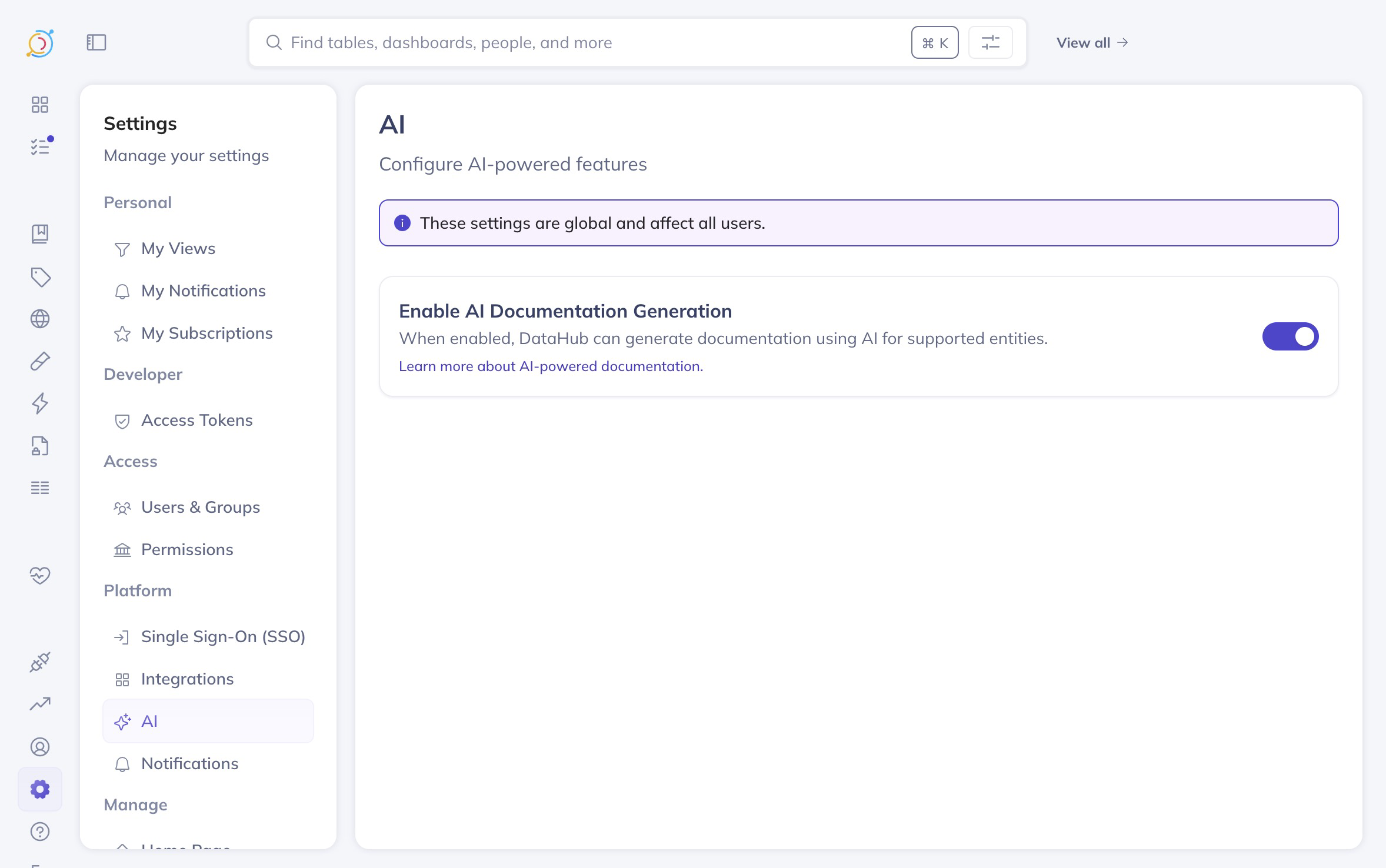
As of DataHub Cloud v0.3.12, AI documentation is in public beta. Admins (or users with the "Manage Platform Settings" privilege) can enable it from settings.
Usage
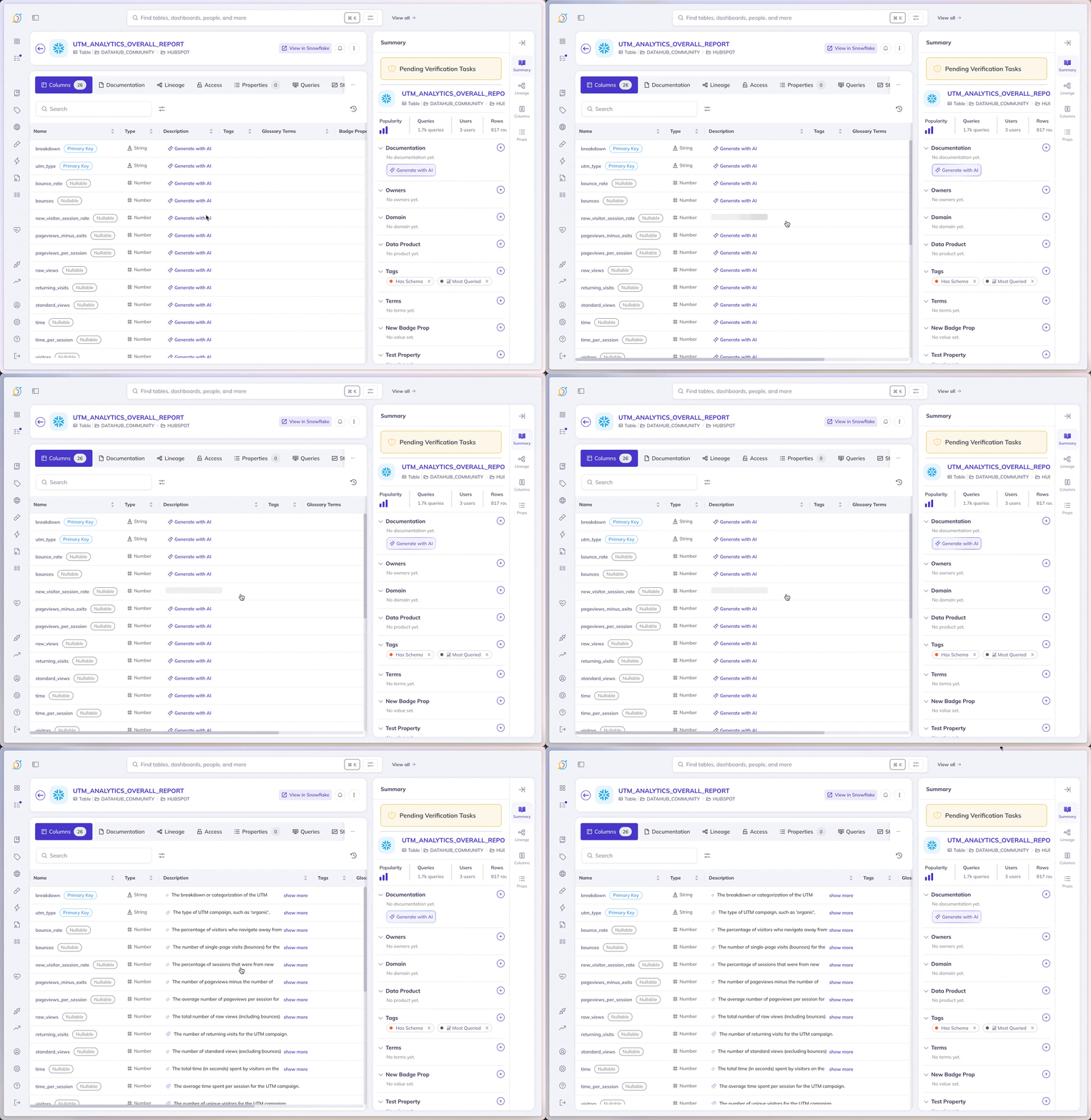
Ensure you have permissions to edit the dataset description. No other configuration is required - just hit "Generate" on any table or column in the UI.
All AI-generated documentation that has not been reviewed by a human will be marked as such with the sparkle icon.
How it works
Generating good documentation requires a holistic understanding of the data. Information we take into account includes, but is not limited to:
- Dataset name and any existing documentation
- Column name, type, description, and sample values
- Lineage relationships to upstream and downstream assets
- Metadata about other related assets
Data privacy: Your metadata is not sent to any third-party LLMs. We use AWS Bedrock internally, which means all metadata remains within the DataHub Cloud AWS account. We do not fine-tune on customer data.
Limitations
- AI documentation is not available for tables with more than 3000 columns (in v0.3.12 the limit was 1000 columns; prior to v0.3.12, it was 100 columns).
- This feature is powered by LLMs, which can produce inaccurate results. While we've taken steps to reduce the likelihood of hallucinations, they may still occur.